
Once a certificate has been issued, ratings can be submitted from the My Courses page. Completed courses display a Certificate button and a Rating button. Participants can click Rating to begin their assessment.
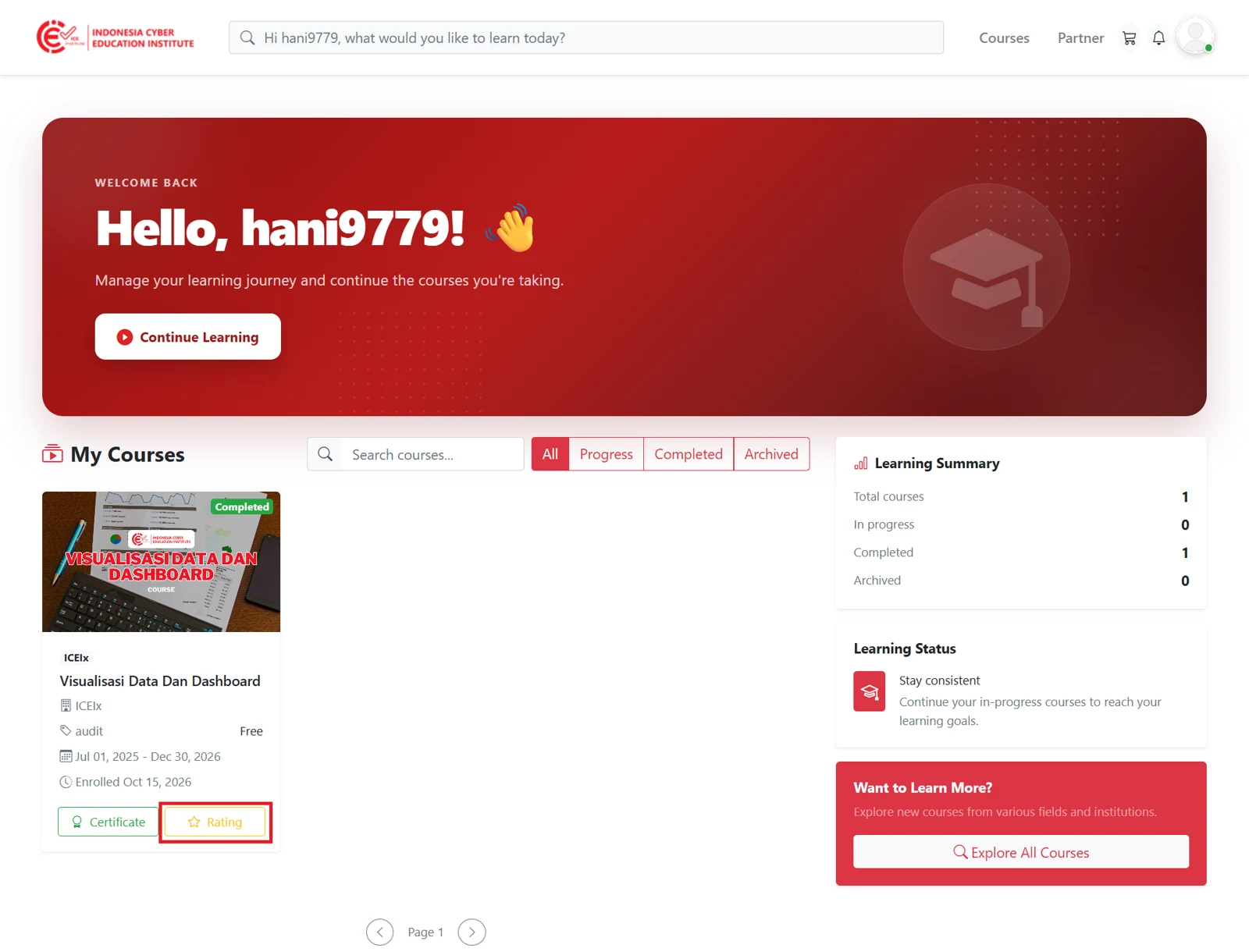
Figure 5.1 - Rating button
Submitting a Rating
Ratings are given for four aspects in sequence: the course, the instructor, the course provider partner, and the ICE Institute platform. The current step is shown at the top of the rating window, for example Rating 1 of 4.
For each aspect, participants can give a rating of one to five stars. Participants may also write feedback in the Review field if desired, and then click Next to proceed to the next aspect.
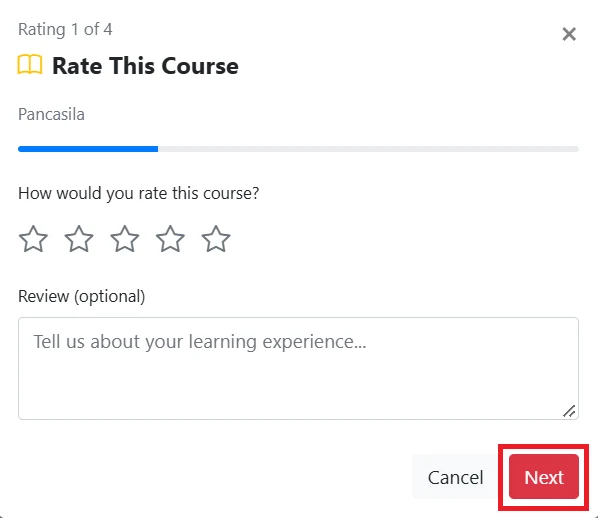
Figure 5.2 - Course rating
For the final aspect, the ICE Institute platform rating, participants can click Submit Rating to submit all ratings given.
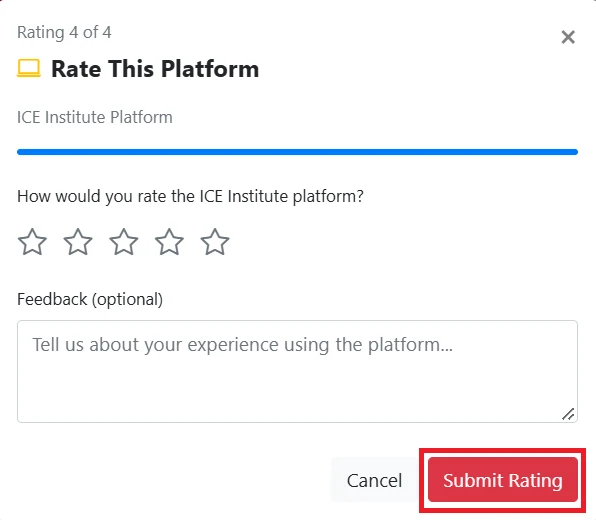
Figure 5.3 - Platform rating
Ratings and reviews submitted for a course will be displayed in the reviews section of the course details page, where they can be seen by other participants who are considering that course.
Once the rating has been submitted successfully, the Rating button on the My Courses page will change to Review. Through this button, participants can revisit completed courses to review the materials at any time.
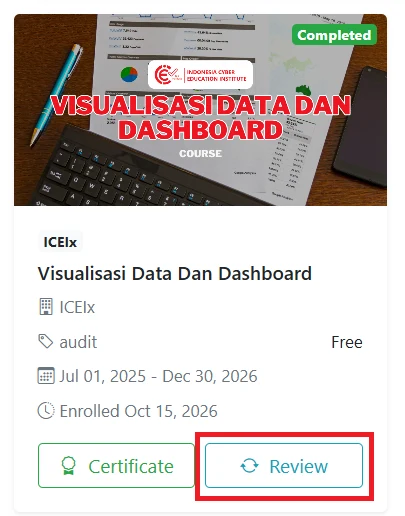
Figure 5.4 - Revisiting a course
This concludes the full learning journey for the course. Participants may continue to revisit materials, view their certificates, or enroll in other courses available on ICE Institute to further develop their knowledge and skills.